Once you have developed your indicator or strategy, you can publish it. Script visibility can be « public » or « private ». Access to the source code can be of different types: « open » (visible to all users), « invite-only » or « private » (only the author can access it). « Invite-only » scripts are primarily used by script providers offering paid access to their scripts; only Premium accounts can publish invite-only scripts.
We will see an example of how to publish an indicator in private visibility, with open access source code.
To publish your indicator, click “Publish Indicator”. The following screen is then displayed:
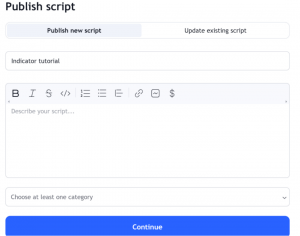
Provide the script name, a description and choose the category. Click « Continue ».
Then in the next screen, choose whether you want the script to be public or private, as well as the visibility of the source code.
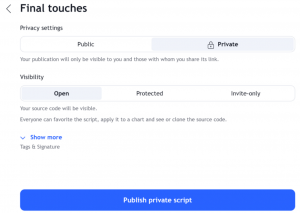
Click « Publish… ». And There you go ! The script with the source code is then published.
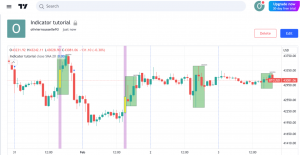
Please note that public scripts are subject to moderation by Trading View.
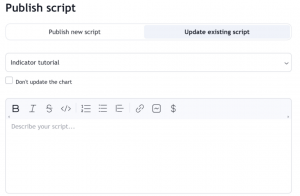
You can edit a published script by going to « Publish indicator » –> « Update existing script » and select the desired script: